8 min. reading

Author: Kuba
❧ What’s the Developer’s Cherry on Top? 🍒

Launching a brand-new website is the grand finale of dozens—sometimes hundreds—of hours of work by developers, designers, and everyone else involved.
At this point, the site already has a clear goal, a mapped-out information architecture, and a carefully planned user journey. Content is written, custom photo shoots are done. The stage is set for your online success… 🎉
But is everything really polished to the sparkle of Easter window cleaning?
Sure, developers have done amazing work—but mistakes happen. And with a website project, there are countless places where things can go wrong… 😬
❧ A Pre-launch Website Audit
The safety net that protects you from mishaps? A thorough pre-launch audit.
It verifies that everything was implemented correctly. But! Don’t bother poking around the site with Sherlock Holmes levels of determination 🕵🏻♀️ Without a checklist, you’ll waste time and still miss crucial details.
What can go wrong, and what should you check before going live? Keep reading—you’ll sleep better knowing your launch won’t end in chaos.
If you’re still in the early stages and want to learn where to start with design, check out our article: What to Remember When Designing a Website?
❧ Designing Functional Websites That Convert
“Hi, I filled out your form a week ago and haven’t heard back…” 🙊
If your site’s contact form doesn’t work, what happens to all those leads? Chances are, they never bother reaching out again. Some might try another way, but most will simply forget about you. That’s a lot of potential customers slipping through the cracks.
The danger? You could be celebrating your shiny new launch, only to realize months later that your contact form has been broken the entire time. Zero leads reaching sales. That’s not just embarrassing—it’s an open invitation for your competitors to swoop in and steal your clients.
❧ Don’t Forget to Test Functionality
Check every touchpoint where potential customers might try to reach you.
Here’s what to verify:
-
Is the customer journey intuitive?
-
Are only essential fields required in your forms?
-
Do error messages clearly explain how to fix mistakes?
-
Does the user get confirmation after submitting a form?
-
Are all messages delivered to the right inbox?
-
Is your autoresponder working correctly?
-
Are emails sent from the right sender name, with the right subject line, from a legitimate address?
After launch, set up a recurring task to test your forms. Even better, automate it with e2e testing or tools like make.com.
Pro tip: test with an email address outside your domain.
❧ GDPR-Compliant Servers & Data Protection
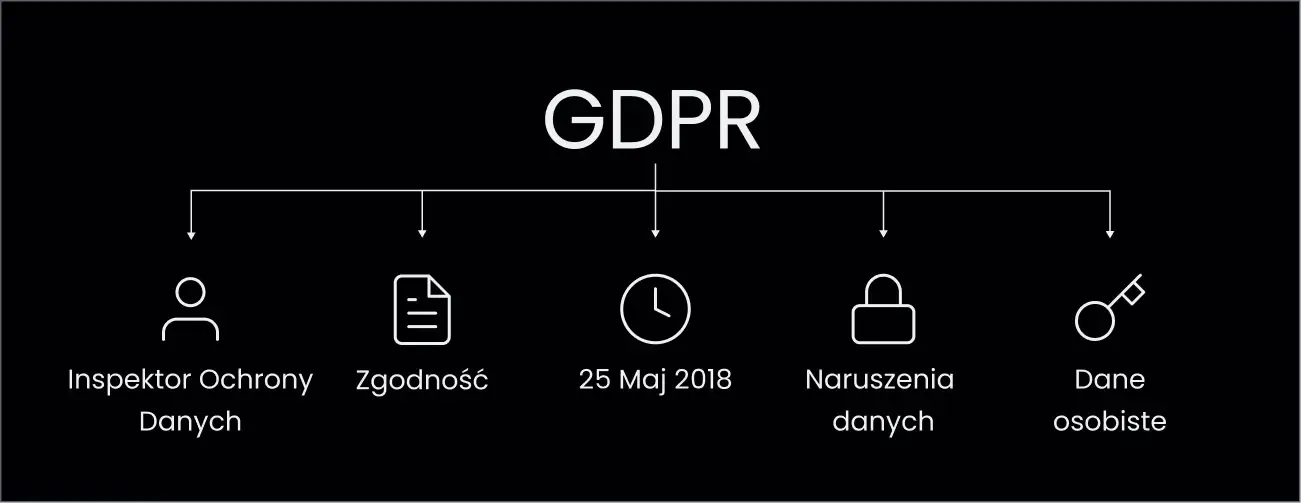
“Hello, this is The Law Office—your site isn’t GDPR-compliant. See you in court…” 👩🏻⚖️
Oops. Not exactly the ballroom invitation you were hoping for.
Privacy policies and website terms often get treated as an afterthought. That’s a mistake—with legal and financial consequences. And what about analytics tied to marketing consent? It turns out building a site from scratch isn’t as straight as a ruler. It’s more like a tangled spring 💁🏻
This is no joke. Good websites must be legally compliant ⚖️, and depending on the features, this can involve quite a few obligations. No one wants to be chased down by the “internet police,” right? 🚔
Consult your privacy policy with your legal team. You’ll need:
-
A full list of all tracking codes on the site (Google Analytics, Meta Pixel, etc.)
-
A list of automation tools using customer data and integrated with the site (MailerLite, Mailchimp, Pipedrive, etc.)
-
A list of features that involve processing user data
-
A list of browser-stored data or cookies related to personal information
We recommend full anonymization of user data. It simplifies your life, trims down the privacy policy, and removes the need for cookie consent pop-ups. The fewer pop-ups, the better!
❧ Clear, User-Friendly Communication of Your Offer
“Yeah, I saw your website. I still have no idea what you do—or whether it’s for me.” 🤔
64% of employees struggle with remote communication at work [1]. If two out of three people at the same company find it hard to communicate, imagine how tough it is to explain your offer to a complete stranger landing on your website.
Some visitors may have heard your name in passing—feeding a baby, ironing shirts, scrolling the train home. Most haven’t. That’s why your website copy has to do the heavy lifting.
Let’s go full Pareto on copywriting. Ask yourself if your business copy:
-

Speaks to the reader and names their problems or goals.
-

Includes a clear CTA that tells them what to do next.
-

Avoids insider jargon, acronyms, and niche terms that create friction.
-

Skips empty triggers like “comprehensive solutions,” “top quality,” or “individual approach.” (They don’t say anything!)
❧ Make Your Site a Pleasure to Read – Copywriting
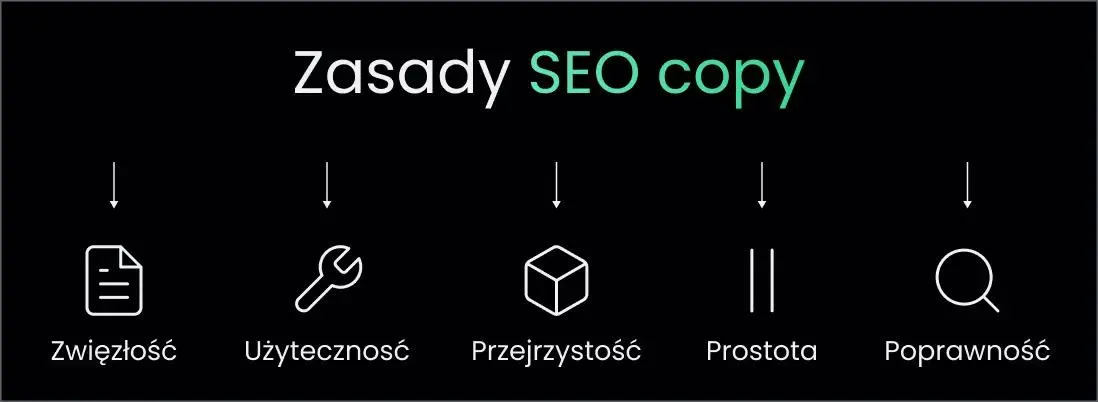
What should website text look like?
Here, less is more. If you can cut it—cut it ✂️
-
Keep sentences to 15-20 words max.
-
If a word doesn’t change the meaning, remove it.
-
If industry slang isn’t essential, simplify.
-
Make CTAs echo the context (“Read the article” beats “Click here”).
-
Format for readability—headings, short paragraphs, bullets.
Run the Mom Test: show your offer page to your mom and ask her to explain what your business does, who it’s for, and why it’s valuable.
❧ Proper Ad & Analytics Setup on Your Website
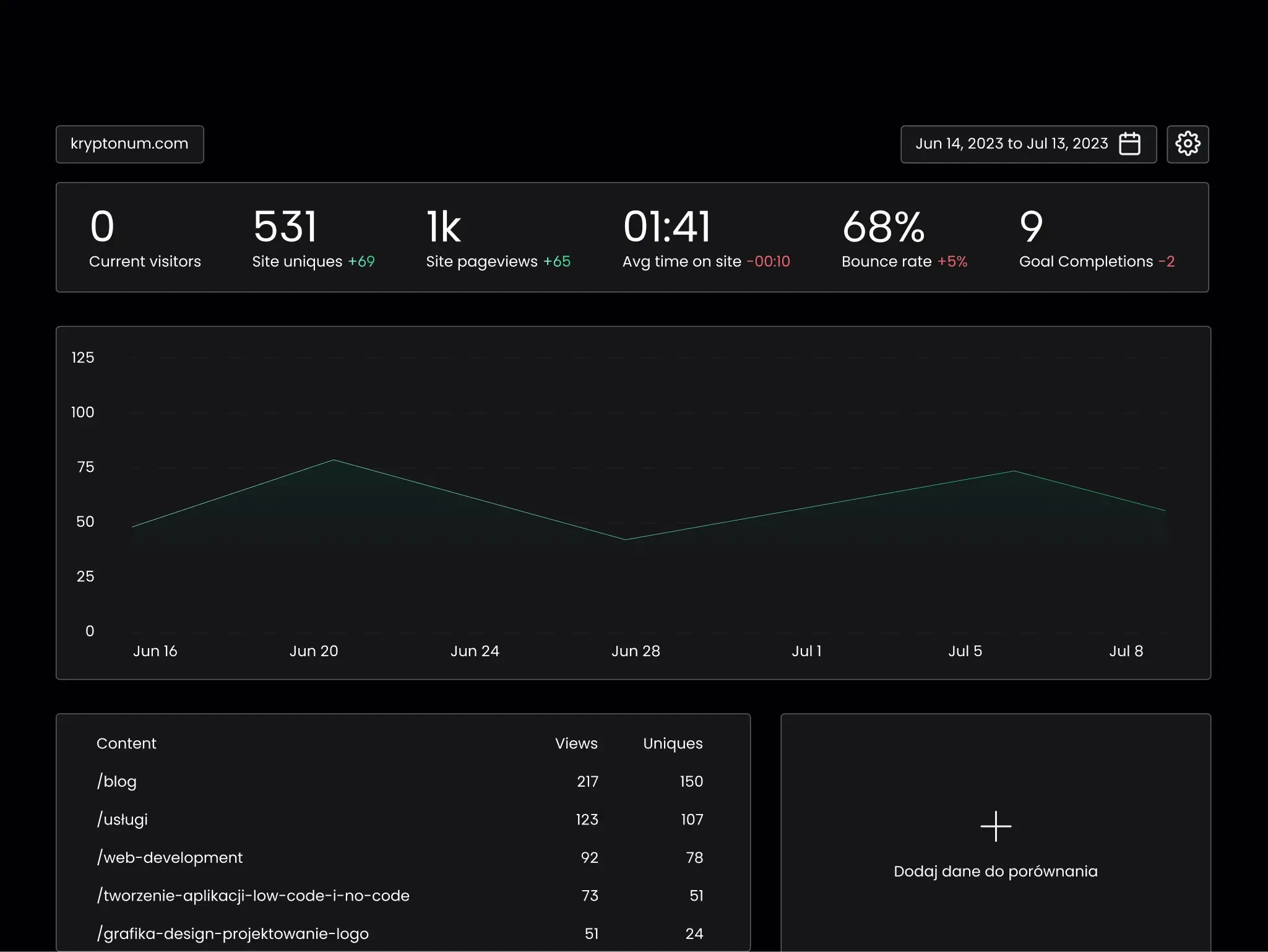
“Boss, awkward update… we can’t tell how many customers came from the last campaign. Our ads were misconfigured.”
If you want reach, you’ll be paying the ad platforms—especially at the start.
But performance marketing runs on analytics. Without correct conversion tracking, you’re flying blind. There’s nothing worse for a marketer than zero feedback. Don’t play pin-the-tail with your business 🙈
❧ Marketing Tools for Modern Websites
Great ad creatives cost time and money.
If your site isn’t set up properly, you won’t know who visited what or which visit converted—and there goes your budget 🤷🏻♀️
How to avoid guesswork and configure analytics & conversions on a fresh launch? 📊
-

Verify event collection across all ad platforms (GA, Meta, etc.).
-

Confirm conversion tracking is mapped and firing correctly.
-

Run a small test campaign and reconcile numbers across platforms.
❧ Pre-Launch Housekeeping (a.k.a. Preventing Facepalms)
“What’s this lorem ipsum on your site? Kinda exotic, but I don’t get it.” 😜
Fun fact: Lorem ipsum has been used to test layouts since Gutenberg. To this day, designers use it to fill space. And sometimes, developers get creative—naming a blog category after a… strategic human body part used for sitting. It happens 😅
Not our proudest moment—but a good lesson. Before launch, purge all test content and placeholders (or at least rename them to something less… memorable 😉).
Before going live, scan for:
-
Unneeded, test, or empty pages
-
Categories, tags, or other items with missing or “too colorful” names
-
Lorem ipsum anywhere
-
Temporary graphics and placeholder images
Then slay them all 🗡️
❧ Fast Load Times on Every Device – Hosting Matters
“Your offer looked great, but when your page took 10 seconds to load… I left.”
Page speed is a real competitive advantage in these blink-and-you-miss-it times 💨 Users are impatient, attention is scarce, and Google’s not exactly thrilled with slow pages either. If your site drags its feet, you’re paying for traffic that bounces before the first scroll.
Performance optimization is kind of our love language. That’s why we lean on stacks that genuinely care about speed: Vercel, Next.js, Astro.js, and Sanity. Each was built to make the web fast, accessible, and genuinely pleasant to use 🤝
We’ll happily sign our names under that—twice, and with a flourish 😜
It’s a huge topic (Kuba could talk for hours about it), so here’s just a taste. If you want your site to sprint like a lively doe—not plod along like a sluggish billy goat 😆, start by asking yourself:
-

Are you using a robust server and a CDN to keep latency low and assets close to users?
-
Do you host fonts locally and keep the number of weights/styles to a sensible minimum?
-
Are your logos and simple icons delivered as .svg for crisp rendering and tiny file sizes?
-
Are all your images served in modern formats like .webp, .avif, or .svg?
❧ Launching Your Website & Store with Every Detail Buttoned Up 👚
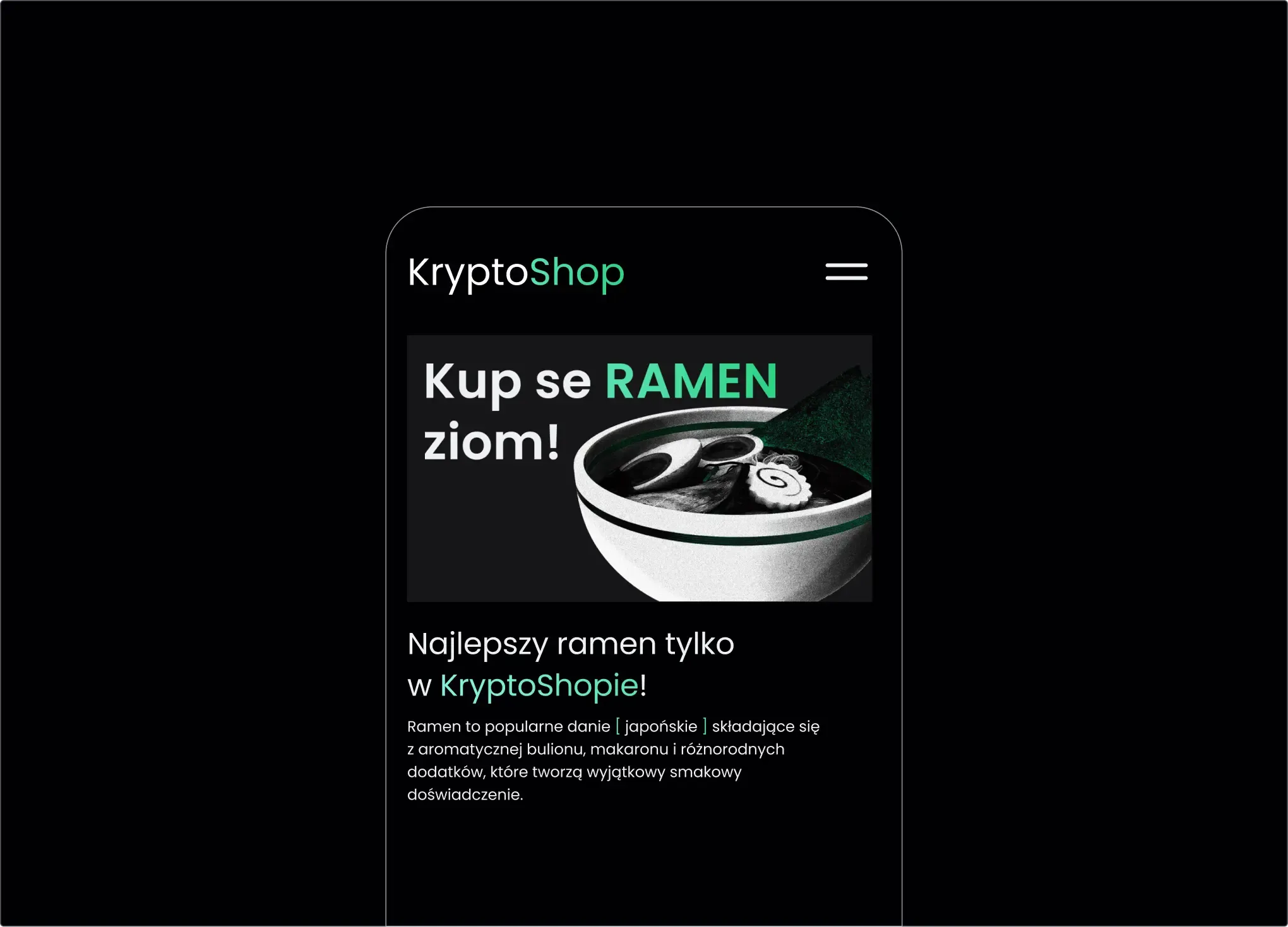
What else can bite you if launch is sloppy? 🤫
-
Bad redirects → “Page not found” when visiting old URLs
-
Missing www/non-www canonical → leaking hard-won SEO authority
-
Surprise 404s from internal links
-
Broken mobile layout (looks fine on desktop, chaos on phones)
-
No or poor CMS setup → adding pages is a nightmare
❧ Need a site that’s functional, secure and draws customers? Get in touch with us!
[1] https://zipdo.co/statistics/workplace-communication/